
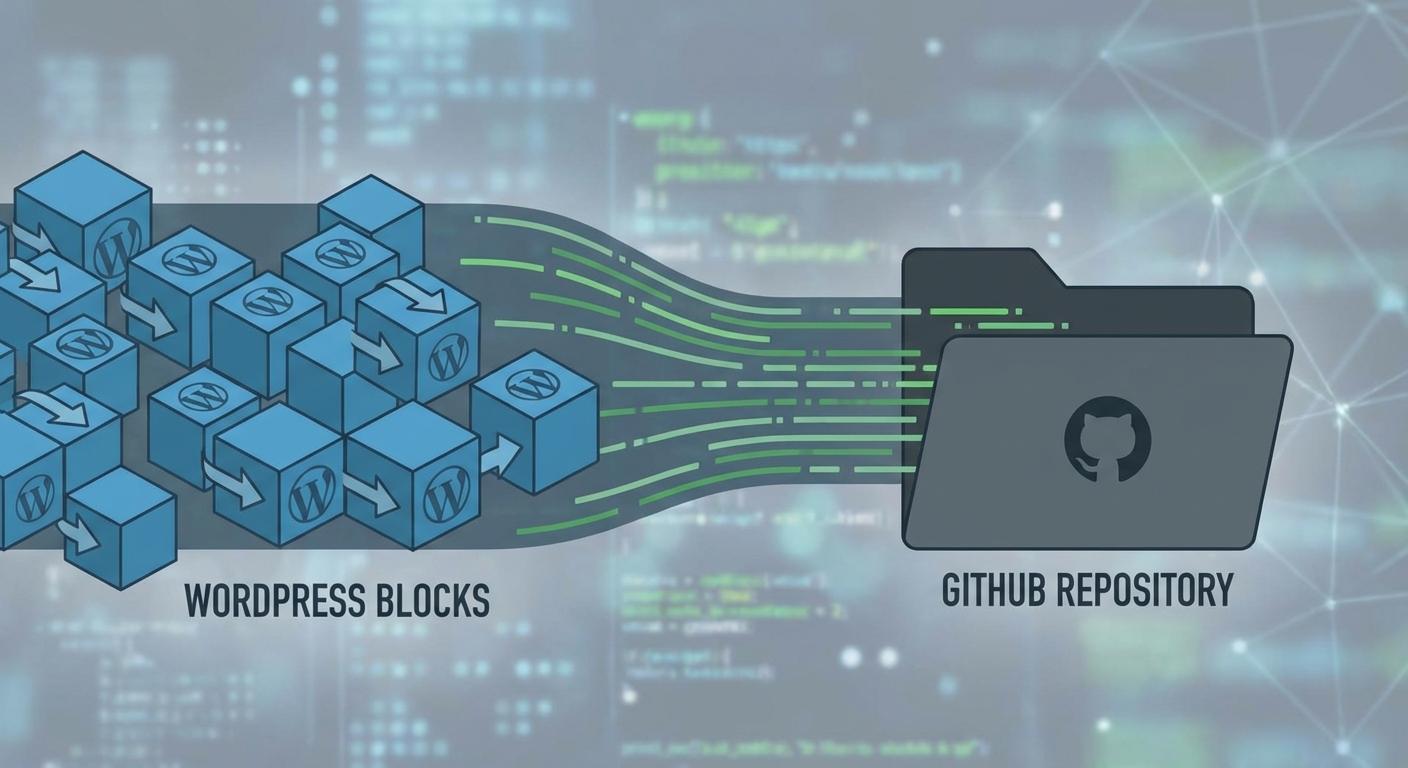
If you’re a WordPress developer crafting block themes, you know that managing changes in the Site Editor can be tricky when it comes to version control. The traditional workflow often involves making customizations directly in the database, which isn’t ideal for collaborative workflows or deploying those changes across multiple environments. But now, a streamlined approach is emerging, leveraging WordPress Playground and the Create Block Theme plugin to bridge the gap between the database and the filesystem.
This new method allows you to export your Site Editor customizations – styles, templates, template parts – as actual files within your block theme. This means you can track these changes using Git, collaborate with your team on platforms like GitHub, and easily deploy your customized theme to different WordPress installations. Think of it as finally bringing proper version control to your visual design process. This is especially beneficial for agencies or developers working on complex projects where consistency and collaboration are paramount. It even opens up interesting possibilities for AI-powered theme customization in the future, allowing AI models to interact with and modify theme files directly under version control.
The core of this solution is the Create Block Theme plugin. After customizing your site using the Site Editor, you can use the plugin to generate a block theme from your changes. WordPress Playground provides an environment for testing and development, ensuring compatibility before deploying your theme to a live server. This combination empowers you to build and manage block themes with greater efficiency and control, using the tools you already know and love for software development. This also could be a game changer for plugin developers who use AI to create or modify Block themes, making it easier to integrate those generated components directly into a professional workflow.